For restaurants and bars
Social media for restaurants and bars that fills your tables
Clautia is the agentic social media manager that plans social media for restaurants and bars in one calendar. You or your AI agent (Claude Code, Codex, Cursor…) write the caption for the Instagram dish photo and the Google Business Profile update, then schedule both around service.
Updated November 4, 2026


Problems Clautia helps you solve
Nobody has time to post during service
The people who know the food are on their feet from prep to close. Posting becomes a rushed photo at 11 pm, or it does not happen.
Menus, hours and specials change faster than your profiles
A new weekly special, a holiday closure or a private event can change your week. If Instagram says one thing and Google says another, guests turn up at the wrong time.
Every network wants a different version
Instagram and TikTok want a vertical clip, Google wants a short update and Facebook wants a post with few links. Rewriting the same news four times is how you stop posting.
Lunch, dinner and the bar run on different clocks
People pick a lunch spot in the morning and book dinner in the afternoon, while the bar lives on Thursday to Saturday nights. One generic posting schedule fits none of them.
The networks worth publishing on
Google Business Profile
Hungry people often search on Google before they open any app. Your Google Business Profile posts, hours and photos show up right where they decide. Treat the profile as your main storefront.
Instagram
Food is visual, and Instagram is where people look for the next place to try. Photos, carousels and short videos of dishes, drinks and the team do most of the work.
Facebook
Local neighbourhood groups, event pages and older regulars still use Facebook. Use it for events, opening hours and weekly menus.
TikTok
Short videos of the kitchen, a pour or the plating can reach people who have never heard of you. It pays off if you can film two clips a week.
Telegram
A Telegram channel keeps regulars up to date with today's special, last-minute tables or a weekend pre-order. Messages arrive directly, with no algorithm in between.


Content ideas that work
Dish of the day in one photo and one sentence
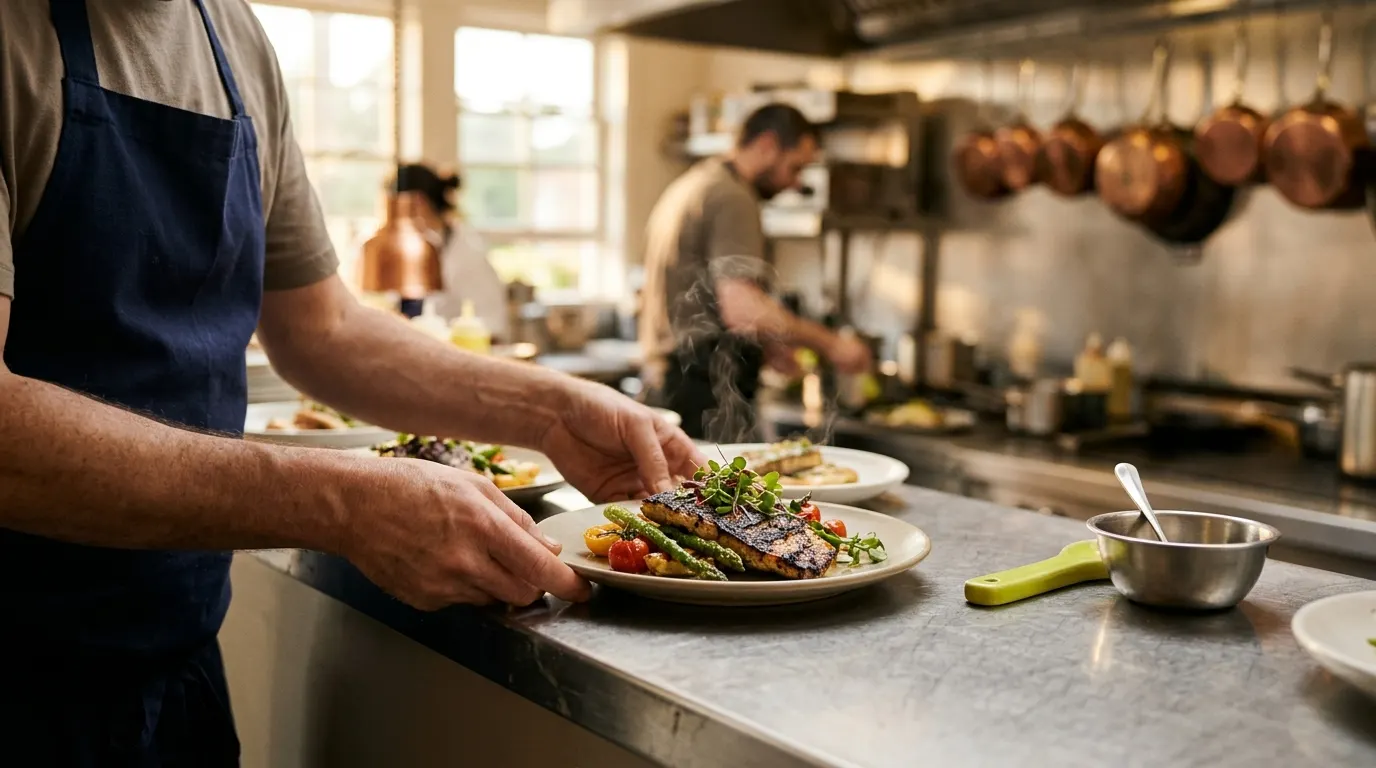
Shoot the plate on the pass in natural light and add one line on why it is good today. It is the cheapest content you will ever make.
A ten-second process clip
Film the dough being stretched, a flame hitting the pan or a sauce being finished. People watch the process, and it needs no script.
Meet the team
Introduce the chef, the head waiter or the person who opens the kitchen at 8 am. Guests come back to places where they recognise the faces.
Suppliers and the season
Show the farm, the fishmonger or the winemaker behind a dish. It explains your prices and gives you a story to tell again each season.
Weekly specials and news
Post the dish of the day, the tasting menu or holiday opening hours on Google Business Profile as a standard post. Then adapt it for the other networks.
Tables left for the weekend
On Thursday, say how many tables are left for Saturday dinner and how to book. It is honest urgency, and it fills the last gaps.
Signature drink of the week, for bars
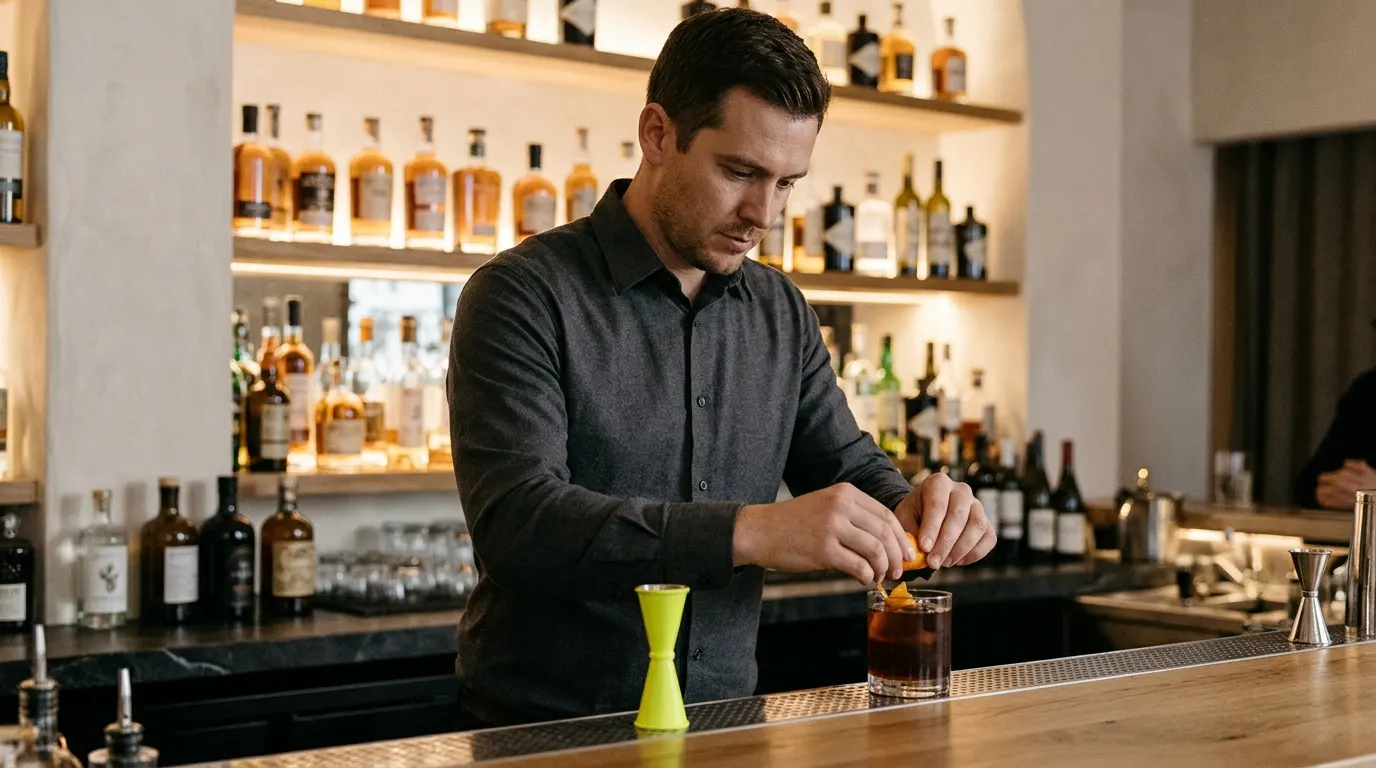
Post one cocktail with the story of one ingredient and a photo. Tie it to the night you want to fill, not to your busiest night.
Answer the questions you get every day
Cover your allergen policy, group bookings, the dog-friendly terrace or parking. Each short post saves your team the same phone call.
Example posts drafted with Clautia
Clautia drafts posts like these from a short brief. Each one stays a draft until you schedule it, so you can review and edit it first.
- Instagram
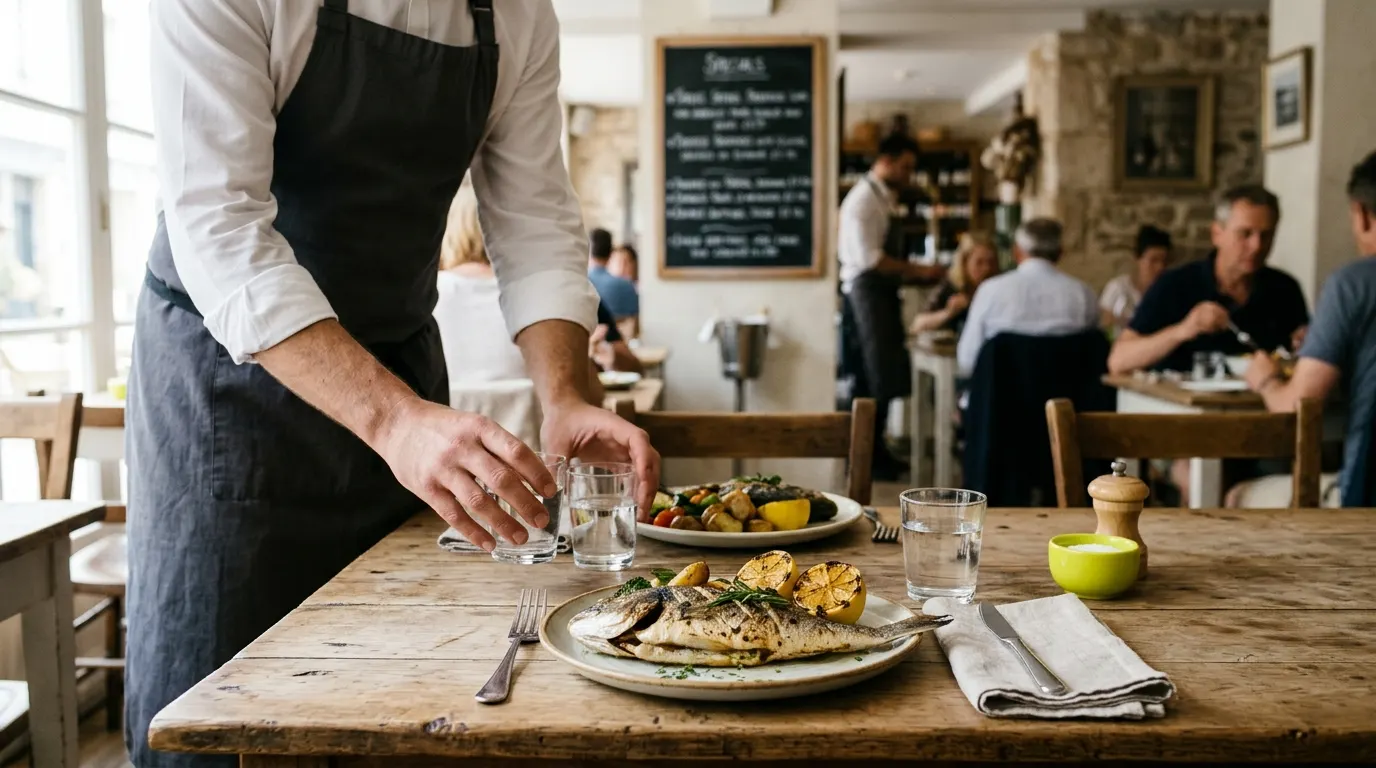
This Saturday at Saltmarsh Kitchen: grilled sea bream for two, bought at this morning's fish market. A few tables are left for dinner from 8 pm. Book through the link in our profile or give us a call. #saltmarshkitchen
It gives one dish, one time and one way to book, with no hard sell. It suits the weekend booking push.
Example draft generated with Clautia
- Google Business Profile
Today's set lunch at Saltmarsh Kitchen: mussels in white wine, hake in green sauce and homemade custard, with coffee on the house. Served Monday to Friday, 1 pm to 4 pm. Open for dinner Thursday to Saturday.
Google posts work best with plain facts: what is on, when, and your opening hours.
Example draft generated with Clautia
- Facebook
Thursday jazz night at Midnight Bar. Doors open at 8, the first set starts at 9, and every table gets a house tapa with its first order until 10. Groups of six or more: message us to book.
Facebook event posts work best with the date, the time and one reason to come early.
Example draft generated with Clautia
In this article
How to do it in Clautia, step by step
Connect your profiles
Link Instagram, Facebook, TikTok, your Google Business Profile and Telegram to a brand named after your restaurant.
Write once and adapt it for each network
Write the news once, or let Clautia's AI draft it from your notes (for Bluesky and Telegram you write the text yourself). Then adapt it for each network in the composer and check the preview for each one.
Review the drafts before they go out
Posts stay drafts until someone on your team schedules or publishes them. Ask your manager to check the week's drafts first. The team space holds 1 member on Creator, 3 on Pro and 10 on Agency.
Schedule the whole week
Fill the calendar on a quiet Monday morning, and the posts go out while you run service.
Availability
What Clautia does today and what is coming soon
Available today
- Publish and schedule on 10 networks, Google Business Profile included
- Posts on your Google Business Profile from the same calendar
- AI writing: drafts, adaptation to each network and rewrites on 8 networks, Google Business Profile included (not Bluesky or Telegram yet)
- Unlimited brands on every plan
- Team spaces with owner, admin and member roles
- MCP server and REST API to run Clautia from your AI agent
Soon
- Publishing to PinterestSoon
- The clautia command-line toolSoon
- Unified inbox and AI replies to Google reviewsSoon
- Agents and routines (automations) that prepare drafts for youSoon
- AI images and videoSoon
- Trends and content ideasSoon
- Competitor trackingSoon
- Visibility in ChatGPT, Gemini and Perplexity (GEO)Soon
Frequently asked questions
What is Clautia for restaurants?
Clautia is the agentic social media manager. A restaurant or bar uses it to write, schedule and publish posts on 10 networks, including Instagram, Facebook, TikTok, Telegram and Google Business Profile, from one calendar. You can work from the dashboard or ask your agent to do it over MCP.
How often should a restaurant post on social media?
Consistency matters more than volume. A realistic start is three or four Instagram posts a week, one Google Business Profile post a week and an update whenever your hours or specials change. If you can only do one thing, keep your Google profile accurate.
Which social network is best for a restaurant?
For local discovery, Google Business Profile and Instagram do most of the work. Facebook helps with events and older regulars. TikTok is worth testing if you can film short clips. Pick two, do them well, then add more.
Do cafes and bars need a different strategy?
They use the same tools on a different clock. Cafes post in the morning about regulars and seasonal drinks, and they have their own guide for cafes and coffee shops. Bars post in the afternoon to fill Thursday to Saturday nights, with events and signature drinks.
Can I schedule my menu and special posts in advance?
Yes. In Clautia you schedule posts to Instagram, Facebook, TikTok, Google Business Profile and Telegram from one calendar, with a preview for each network.
How do I reply to a Google review that mentions an allergy?
Thank the person, say you take it seriously and move the details to a private channel so the kitchen can look into what happened. Do not discuss anyone's health in public. More in how to reply to Google reviews.
What should a restaurant never post?
Leave out old photos, outdated prices and vague allergen claims. If you mention allergens, say what your kitchen actually does or tell guests to ask your staff. If you run a bar, check the local rules on alcohol advertising.
Related guides
- Features and networksSchedule Google Business Profile posts from your social calendarSchedule and publish Google Business Profile posts from the same calendar as your social networks. Draft with AI, preview and schedule standard posts.Read the guide
- Features and networksInstagram scheduler to plan your posts a week aheadSchedule Instagram posts from one calendar. Draft captions with AI, preview each post and plan the week ahead. Drafts stay drafts until you schedule them.Read the guide
- By industrySocial media marketing for small business in one calendarSocial media marketing for small business when you also run the shop: where to post and a weekly plan that takes about an hour, all from one calendar.Read the guide
- By industryHotel social media that drives direct bookingsHotel social media for independent hotels and guesthouses that wins direct bookings back from travel agencies, with a weekly calendar and example posts.Read the guide
- By industrySocial media for photographers who want booked clientsSocial media for photographers with no time to post between shoots who want a portfolio that brings in bookings, not just likes.Read the guide
Start your 7-day trial with your own brand
From $29/mo + tax · 7-day trial with card · cancel anytime