For hotels, guesthouses and small properties
Hotel social media that drives direct bookings
Clautia is the agentic social media manager that keeps hotel social media in one calendar. Guests start dreaming on a screen long before they reach your front desk. Plan everything from the Instagram room tour to the Google Business Profile update that answers every traveller's first question.
Updated November 4, 2026


Problems Clautia helps you solve
Online travel agencies take the booking
A guest finds you on Instagram, then books through an agency that charges a commission. Your posts should lead people back to your own booking page, with a clear link and a clear reason.
You sell an experience, not an object
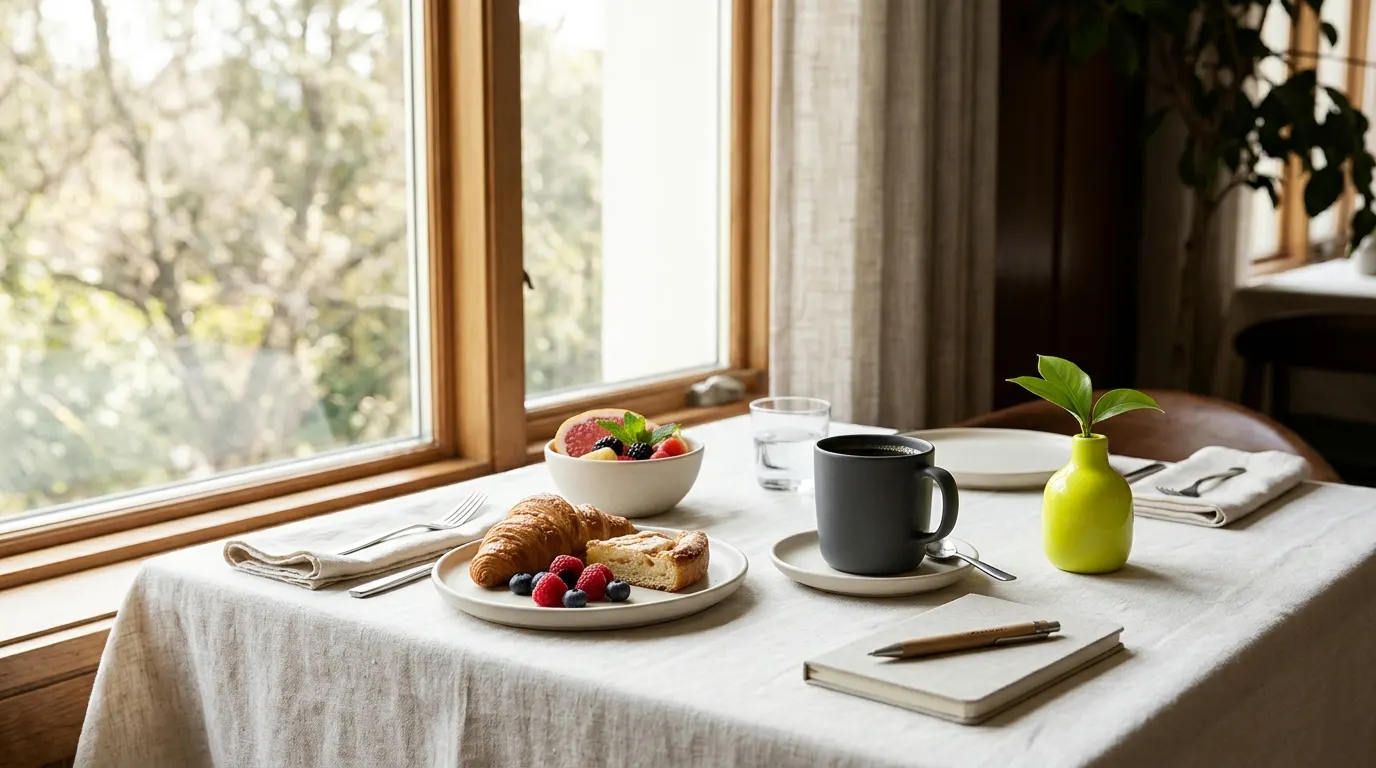
A room is hard to sell in a photo. You need to show the morning light, the breakfast, the street outside and the person who greets guests.
Staff are busy and posting is a side task
Reception, housekeeping and the kitchen see the best moments, but nobody's job is to capture and post them. Posts come in a seasonal burst and then stop.
Seasons, events and offers change every week
A festival in town, a rainy-day package or a closed pool changes what guests can expect. If your posts fall behind, guests arrive expecting something that is not there.
The networks worth publishing on
Google Business Profile
Travellers search for hotels, check the map and look at the photos before they open any social app. Your profile shows your photos, reviews and updates right where they decide. Keep it as polished as your lobby.
Instagram
Instagram is the shop window of hospitality. Room tours, breakfast, terraces and local corners in carousels and short videos show people what a stay feels like.
Facebook
Facebook reaches local audiences, older travellers and families. Use it for events, packages, seasonal offers and community news.
TikTok
Short clips of a room reveal, the view from the balcony or a breakfast spread can reach younger travellers who have never searched for your town.
LinkedIn
If you host meetings, retreats or weddings, LinkedIn reaches the planners and companies who book them. Show your rooms, catering and capacity.
PinterestSoon
Travellers collect trip ideas on Pinterest: weekend itineraries, wedding venues and spa breaks. A pin with a good description keeps sending people to your site.


Content ideas that work
The room on a typical morning
Film the light across the bed, the coffee and the view from the window. Describe how it feels to wake up there, not just the square metres.
A neighbourhood guide from the front desk
Share your five favourite places within a ten-minute walk: the bakery, the viewpoint, the quiet bar. Guests love local knowledge, and it shows you know the area.
Behind the scenes with your team
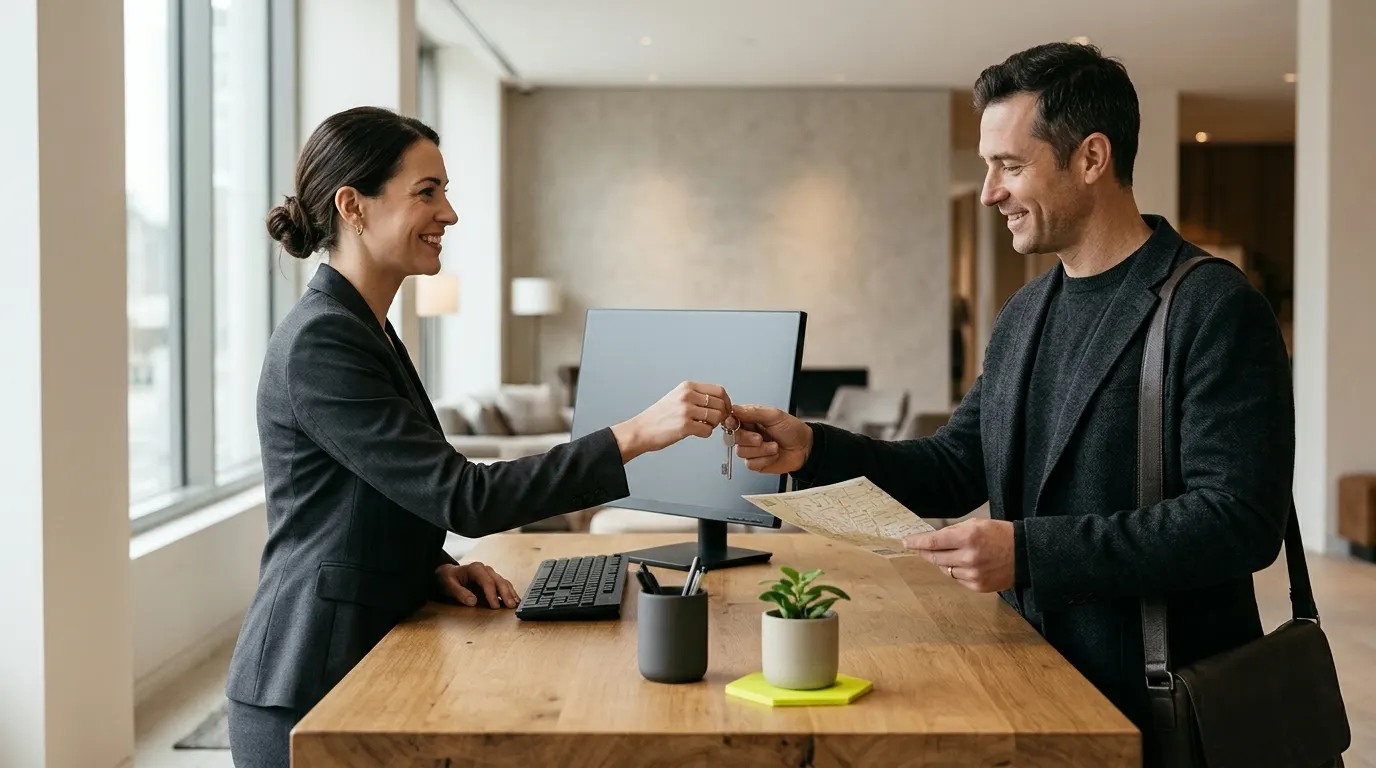
Introduce the chef, the night receptionist or the person who folds the towels. People book places where they picture friendly faces.
Seasonal packages and events
Promote a midweek stay with dinner, a spring walking package or a wedding open day. Show what is included, the dates and where to book direct.
Breakfast and dining highlights
Breakfast is often a guest's favourite moment. Show it, name the local producers and mention dietary options.
Clear answers to common questions
Is there parking? Are dogs welcome? What time is check-in? Is there step-free access? Short posts clear up doubts before people book.
Meetings, weddings and groups
Post a short video of the room set for twenty guests, the garden ready for a ceremony or a meeting room with natural light.
What is on locally this month
Feature a market, a concert or a trail race. Link your property to the best reasons to visit this month.
Example posts drafted with Clautia
Clautia drafts posts like these from a short brief. Each one stays a draft until you schedule it, so you can review and edit it first.
- Instagram
Room 7 at Hilltop Hotel, 7:40 am. Light through the shutters, the church bell next door and a breakfast tray on its way. Two midweek nights in March include dinner at our terrace restaurant. Book direct through the link in bio. #hilltophotel #boutiquehotel #slowtravel
It sets a sensory scene, says clearly what the offer includes and links to direct booking.
Example draft generated with Clautia
- Google Business Profile
Spring stays at Hilltop Hotel: two nights from Sunday to Thursday, with breakfast and a welcome drink included. Parking included for guests. Check dates and rates on our booking page.
It sticks to plain facts and leaves the price out. The booking page holds the correct rates.
Example draft generated with Clautia
- Facebook
This weekend the old town hosts the flower market. Stay at Hilltop Hotel and the market starts at your doorstep: breakfast from 7:30, early check-in on request. Message us to ask about availability.
It pairs an event with a stay. The next step is a message, so the post never contradicts the booking engine.
Example draft generated with Clautia
In this article
How to do it in Clautia, step by step
Connect your channels
Link Instagram, Facebook, TikTok, LinkedIn and your Google Business Profile to a brand named after your hotel.
Write once and adapt it for each network
Write the news once, or paste your notes and let Clautia's AI write a version for each network. Check the preview for each one.
Review the drafts before you schedule them
Posts stay drafts until someone on your team schedules or publishes them. Ask the owner or manager to check the offers and dates on each draft first. The team space holds 1 member on Creator, 3 on Pro and 10 on Agency.
Schedule the month ahead
Plan packages and events weeks before they start, and add short updates as availability changes.
Availability
What Clautia does today and what is coming soon
Available today
- Publish and schedule on 10 networks, Google Business Profile included
- Posts on your Google Business Profile from the same calendar
- AI writing: drafts, adaptation to each network and rewrites on 8 networks, Google Business Profile included (not Bluesky or Telegram yet)
- Unlimited brands on every plan
- Team spaces with owner, admin and member roles
- MCP server and REST API to run Clautia from your AI agent
Soon
- Publishing to PinterestSoon
- The clautia command-line toolSoon
- Unified inbox and AI replies to Google reviewsSoon
- Agents and routines (automations) that prepare drafts for youSoon
- AI images and videoSoon
- Trends and content ideasSoon
- Competitor trackingSoon
- Visibility in ChatGPT, Gemini and Perplexity (GEO)Soon
Frequently asked questions
What is Clautia for hotels?
Clautia is the agentic social media manager. Independent hotels and guesthouses use it to write, schedule and publish posts on 10 networks, including Instagram, Facebook, TikTok, LinkedIn and Google Business Profile, from one calendar. You can work from the dashboard or ask your AI agent (Claude Code, Codex, Cursor…) over MCP.
How often should a hotel post on social media?
Three or four posts a week across your main networks is a good baseline. Add one Google Business Profile post a week and extra posts for events, offers or changes. Quality and consistency beat daily noise.
Which social networks work best for hotels?
Google Business Profile and Instagram are the core, with Facebook for local audiences and events. Add LinkedIn if you host meetings or weddings, TikTok if you can film short clips, and Pinterest for travel ideas.
How can social media help me get direct bookings?
Give every post one clear next step to your own booking page. Mention direct-booking extras, such as a welcome drink or flexible check-in, if you offer them, and keep the link on your Google Business Profile current. Clear information makes guests less tempted to book elsewhere.
Can I post prices and availability?
Only if they match your booking engine exactly. Rates and availability change often, so it is safer to describe the offer and send people to the booking page. Out-of-date prices lead to frustrated guests and bad reviews.
Can I show guests in my photos?
Only with their consent. Choose shots without identifiable faces, and always ask before you use guests' photos from reviews or tags. Respect privacy at weddings and private events.
How should a hotel answer a review about a bad stay?
Reply in public within a day or two. Thank the guest, name the problem, say what you checked or changed, and offer to continue by email. Leave out booking details and anything about other guests. AI replies to reviews are in development in Clautia, so today you write them yourself. Our guide on how to respond to negative Google reviews has examples.
Related guides
- Features and networksSchedule Google Business Profile posts from your social calendarSchedule and publish Google Business Profile posts from the same calendar as your social networks. Draft with AI, preview and schedule standard posts.Read the guide
- Features and networksInstagram scheduler to plan your posts a week aheadSchedule Instagram posts from one calendar. Draft captions with AI, preview each post and plan the week ahead. Drafts stay drafts until you schedule them.Read the guide
- By industrySocial media for restaurants and bars that fills your tablesSocial media for restaurants and bars that fills tables on quiet nights: which networks to use and how to plan menus, specials and bookings.Read the guide
- By industrySocial media marketing for small business in one calendarSocial media marketing for small business when you also run the shop: where to post and a weekly plan that takes about an hour, all from one calendar.Read the guide
- By industrySocial media for photographers who want booked clientsSocial media for photographers with no time to post between shoots who want a portfolio that brings in bookings, not just likes.Read the guide
Start your 7-day trial with your own brand
From $29/mo + tax · 7-day trial with card · cancel anytime