AI image generator
An AI image generator for your Instagram posts and the rest of your social media
Clautia is the agentic social media manager, and its AI image generator, Studio, creates pictures for your posts from a description. You see how many credits an image costs before you generate, it is saved in Media, and one click turns it into a post you schedule on the same calendar. Every plan includes images each month.
Updated November 22, 2026


Problems Clautia helps you solve
Generate, download, upload again
Almost every AI image generator ends with a download button. Then you move the file to your phone or your scheduler and attach it by hand.
The price shows up after you have spent
You pay in tokens or credits without knowing how many each image takes. You find out when you check the balance.
The image does not fit the post
A landscape photo looks small in a vertical feed, and cropping it by hand cuts out the very detail that mattered.
The networks worth publishing on
Instagram
Images come out vertical 3:4, one of the shapes the Instagram feed accepts, and reach the post without going through your phone.
Facebook
Give your Page's news an image made for the occasion and schedule it with the rest of the week.
LinkedIn
Pair company news with a scene people get at a glance, instead of the same stock photos everyone uses.
Google Business Profile
Add a photo to an update on your Google Business Profile from the same composer.


Content ideas that work
One dish or object up close
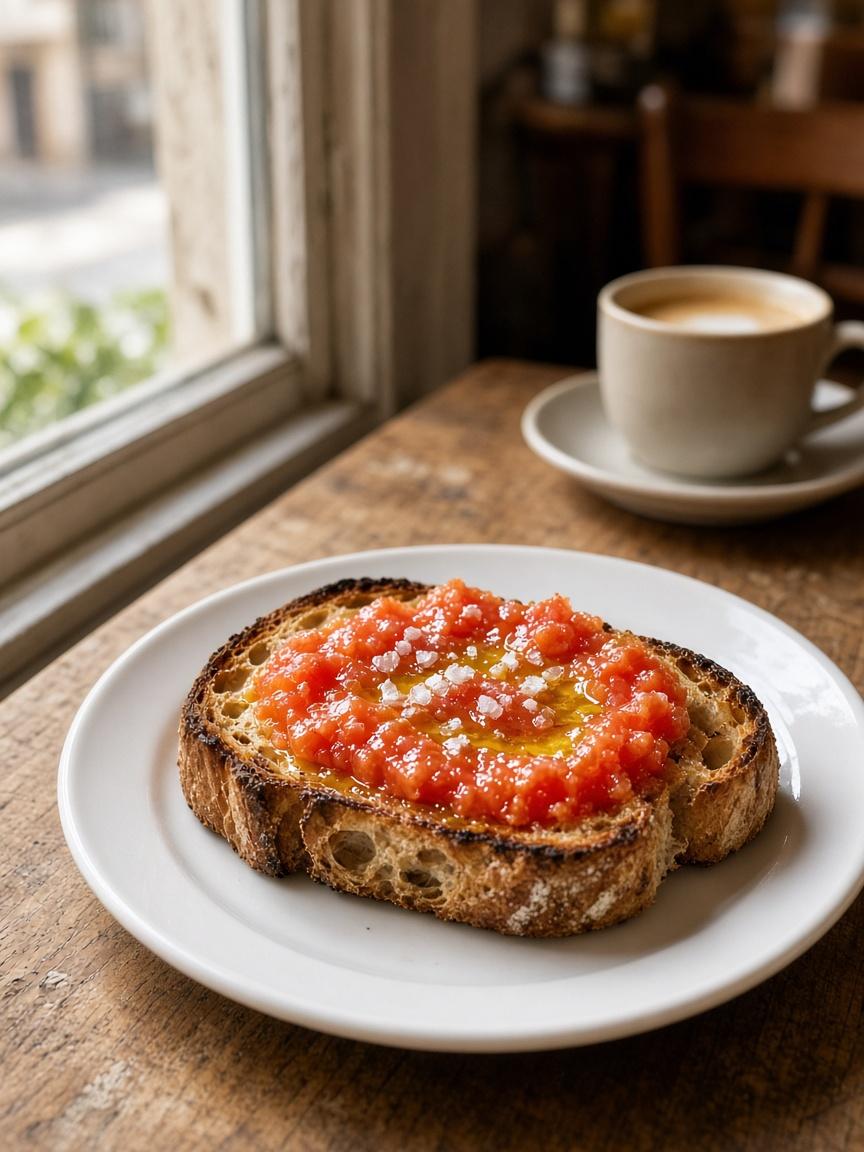
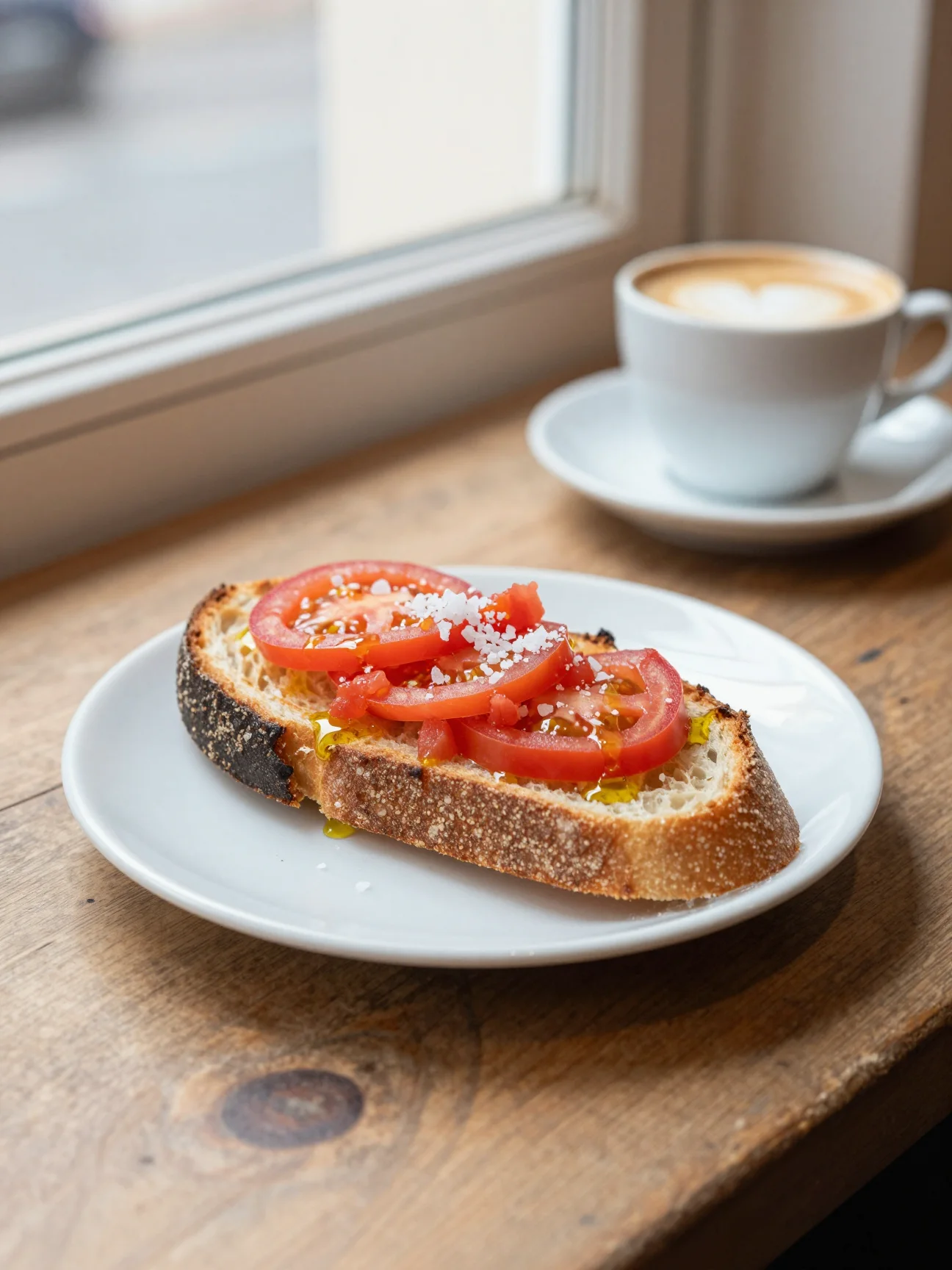
Ask for a single thing, well lit, in a specific place: «a slice of toast on a small plate by the window» leaves less to guesswork than «breakfast».
The feel of a place
A bright treatment room, a shop with its window lit up or a tidy workshop. It works for opening hours, launches and seasonal posts.
Someone at work
A person kneading, cutting or serving, like the baker in our sample. The person is fictional, so do not present them as part of your team.
An image that carries a fact
Keys on a table for a real estate agency, an open planner for a training school. The image holds the message and the caption gives the fact.
Example posts drafted with Clautia
Clautia drafts posts like these from a short brief. Each one stays a draft until you schedule it, so you can review and edit it first.
- Instagram
Sourdough toast with tomato, extra virgin olive oil and a pinch of salt, served 8:00 to 12:00. Latte or espresso on the side?
A fictional café. The photo is a Studio sample in Economy quality; the caption is an example draft written in the composer.
Example draft generated with Clautia
- Facebook
New this week at Ivy Florist: a corner of indoor plants, from pothos to monstera and snake plants, picked for flats with little light. Come in and we will help you choose yours.
A fictional florist. The update goes out with a Studio image of a plant corner, scheduled for Tuesday at 10:00.
Example draft generated with Clautia
In this article
How to do it in Clautia, step by step
Describe the image
In Studio, press Start on the Image card, choose the brand and write the prompt, up to 280 characters.
Pick the quality with the price in front of you
Economy costs 8 credits and Standard 22. Studio shows the estimated cost before you press Generate.
Collect the image from History
You can leave while it is being made. The image shows up in History when it is ready and is saved in Media.
Put it in a post and schedule it
Use in a post opens the composer with the image attached. Check the preview for each network and pick a date and time.
Availability
What Clautia does today and what is coming soon
Available today
- Publish and schedule on 10 networks, Google Business Profile included
- Posts on your Google Business Profile from the same calendar
- AI writing: drafts, adaptation to each network and rewrites on 8 networks, Google Business Profile included (not Bluesky or Telegram yet)
- Unlimited brands on every plan
- Team spaces with owner, admin and member roles
- MCP server and REST API to run Clautia from your AI agent
- Your AI agent and automatic drafts
- AI images
Soon
- Publishing to PinterestSoon
- The clautia command-line toolSoon
- Unified inbox and AI replies to Google reviewsSoon
- Routines for any taskSoon
- Trends and content ideasSoon
- Competitor trackingSoon
- Visibility in ChatGPT, Gemini and Perplexity (GEO)Soon
Frequently asked questions
What is Clautia's AI image generator?
It is Studio, the part of Clautia, the agentic social media manager, that creates AI images from a description. Each image is saved in Media and goes into a post in one click, with no download or upload. It is at version 0.1.
Can I make AI images for Instagram?
Yes. Every image comes out vertical 3:4, a shape the Instagram feed accepts (Instagram's help recommends 1080 × 1440 pixels; Economy delivers 1296 × 1728 and Standard 864 × 1152). Use in a post attaches it to a post you schedule for Instagram and other networks you have connected.
Can I try it before paying for a plan?
Yes. The 7-day trial costs $0, needs a card and includes 3 Studio images. After that, Creator includes 30 images a month, Pro 100 and Agency 300. See Pricing.
Can I start from my own photo or product shot?
Not yet. Studio creates the image from your description only, so the result is a new scene, not your actual product. To show your product, upload your own photo to Media and use it in the post.
Can I choose the format, edit the image or remove the background?
Not for now. Every image comes out 3:4, and choosing the format arrives with Studio 0.2. Studio also does not edit an image once it is made, upscale it or remove its background.
What if the image never arrives, or I do not like it?
If it does not arrive, or has not finished after 10 minutes, you get the credits back in full. If it arrives and you do not like it, change the prompt and generate another one: each attempt takes its price or one of your included images.
Does Studio use my brand's colors and tone?
Not yet. You choose the brand the image is for, but Studio does not apply its tone or colors yet; that comes in a later version. See what else is coming on the Studio page.
Related guides
- Features and networksStudio, the AI creative studio inside your social media managerCreate AI images in Clautia Studio and use them in your posts without downloading a thing. See the credit price before you generate; plans include images.Read the guide
- Features and networksA social media scheduler for your 10 networks, including Google Business ProfileSchedule posts to 10 networks (Google Business Profile included) from one calendar, with AI, unlimited brands, team roles, MCP and API.Read the guide
- Features and networksInstagram scheduler to plan your posts a week aheadSchedule Instagram posts from one calendar. Draft captions with AI, preview each post and plan the week ahead. Drafts stay drafts until you schedule them.Read the guide
Start your 7-day trial with your own brand
From $29/mo + tax · 7-day trial with card · cancel anytime