Browser tool
LinkedIn banner size: the 1584 x 396 cover image
This LinkedIn banner size tool is by Clautia, the agentic social media manager. Load a photo, crop it to the 1584 x 396 cover frame and download it. The crop happens in your browser, so the image is never uploaded.
Updated November 8, 2026
The image stays in this browser. Nothing is uploaded.
Crop preview
Choose an image to crop it.
Official sources
- YouTube thumbnail · 3840×2160
- YouTube Shorts thumbnail · 2160×3840
- YouTube channel banner · 2560×1440
- Instagram photo, landscape · 1080×566
- Instagram photo, portrait · 1080×1440
- Facebook Page profile photo · 320×320
- Facebook Page cover photo · 851×315
- Facebook link post image · 1200×630
- LinkedIn profile photo, minimum · 400×400
- LinkedIn cover image · 1584×396
- LinkedIn photo, minimum · 552×276
- LinkedIn photo, portrait · 640×800
- X header photo · 1500×500
This size was checked on November 4, 2026 in the network's official help. A size is listed only when that page states the pixels.
In this article
Frequently asked questions
What is the LinkedIn banner size?
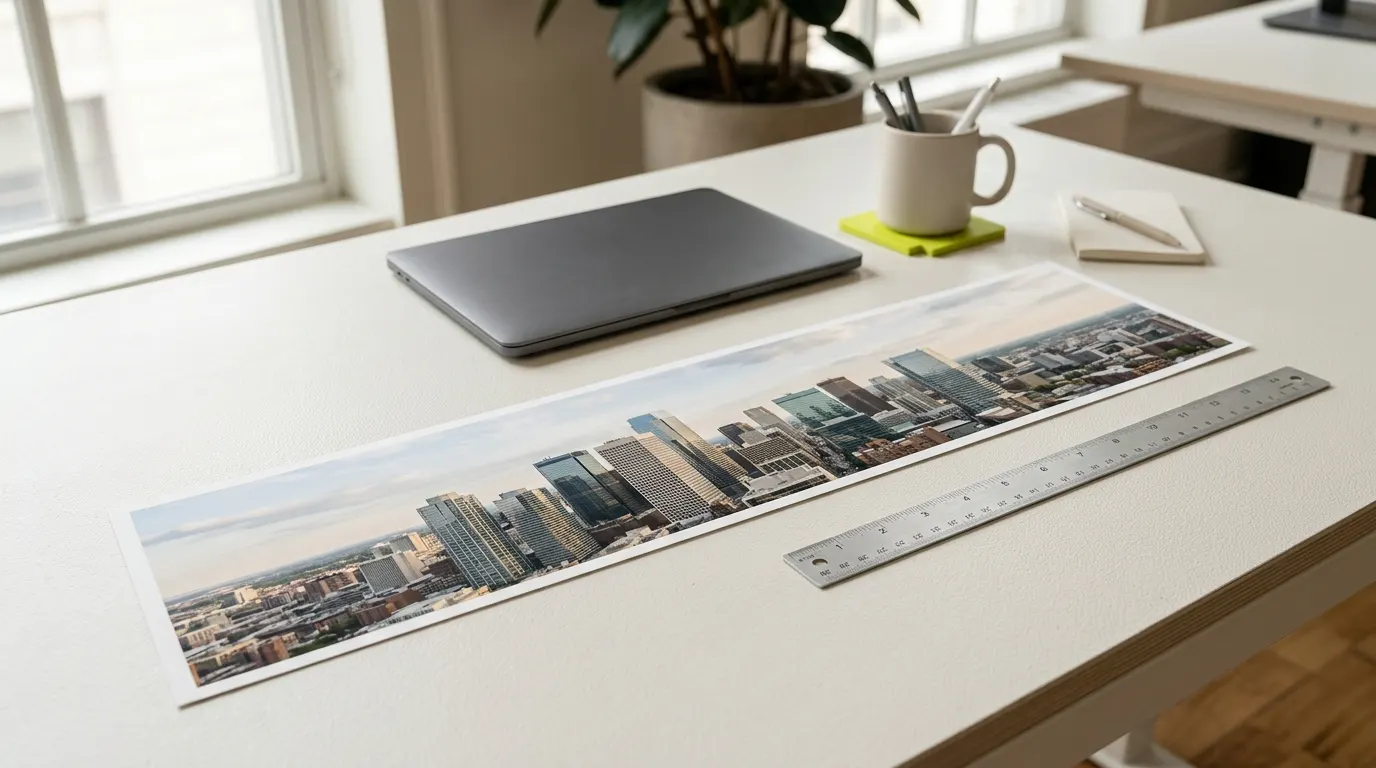
LinkedIn Help recommends 1584 x 396 pixels for the cover image of a profile. That is a 4:1 frame, very wide and short. We checked the help page on 4 November 2026.
Is the LinkedIn banner the same as the cover photo?
Yes. The banner, the background photo and the cover image are the same thing: the wide picture at the top of your profile. The tool names it 'LinkedIn cover image'.
What size should my LinkedIn profile photo be?
LinkedIn Help gives a minimum of 400 x 400 pixels for the profile photo. That is a floor, not a target, and the general image resizer lists it with its source.
Why does my banner look cropped or blurry?
A wide, short frame trims a lot from an ordinary photo, so a tall original loses most of its height. A small original also gets enlarged and looks soft. Start from a wide, large picture.
Does the tool add text or a logo?
No. It only crops and resizes. You bring the finished image, and the tool fits it to the frame without stretching it.
Is my image uploaded to a server?
No. Your browser reads and crops the file, and nothing is sent anywhere.
More tools
- Browser toolImage resizer for social media: crop to the size you needCrop and resize a photo to YouTube, Instagram, Facebook and LinkedIn sizes, each with its official source. The image stays in your browser.Open the tool
- Browser toolLinkedIn post formatter: bold text and clean line breaksFormat a LinkedIn post: bold a hook line, keep your line breaks. Copy the text and paste it into LinkedIn. Runs in your browser.Open the tool
- Browser toolPost preview for Instagram, LinkedIn and XPaste a post and see an approximate preview for Instagram, LinkedIn and X, with the Instagram 'more' cutoff at 125 characters. Runs in your browser.Open the tool
- Browser toolYouTube banner size: 2560 x 1440 and the safe areaYouTube banner size from YouTube Help: 2560 x 1440 recommended, 2048 x 1152 minimum, plus the safe area. Crop your channel art in your browser.Open the tool