Browser tool
Instagram grid maker and photo splitter
This Instagram grid maker comes from Clautia, the agentic social media manager. Choose a photo, pick how to split it and download the pieces one by one or as a ZIP.
Updated November 4, 2026
The image stays in this browser. Nothing is uploaded. Profile pieces are 3:4 and download at up to 1080 by 1440 pixels.
Profile preview
Choose an image to split it.
In this article
Frequently asked questions
What is an Instagram grid maker?
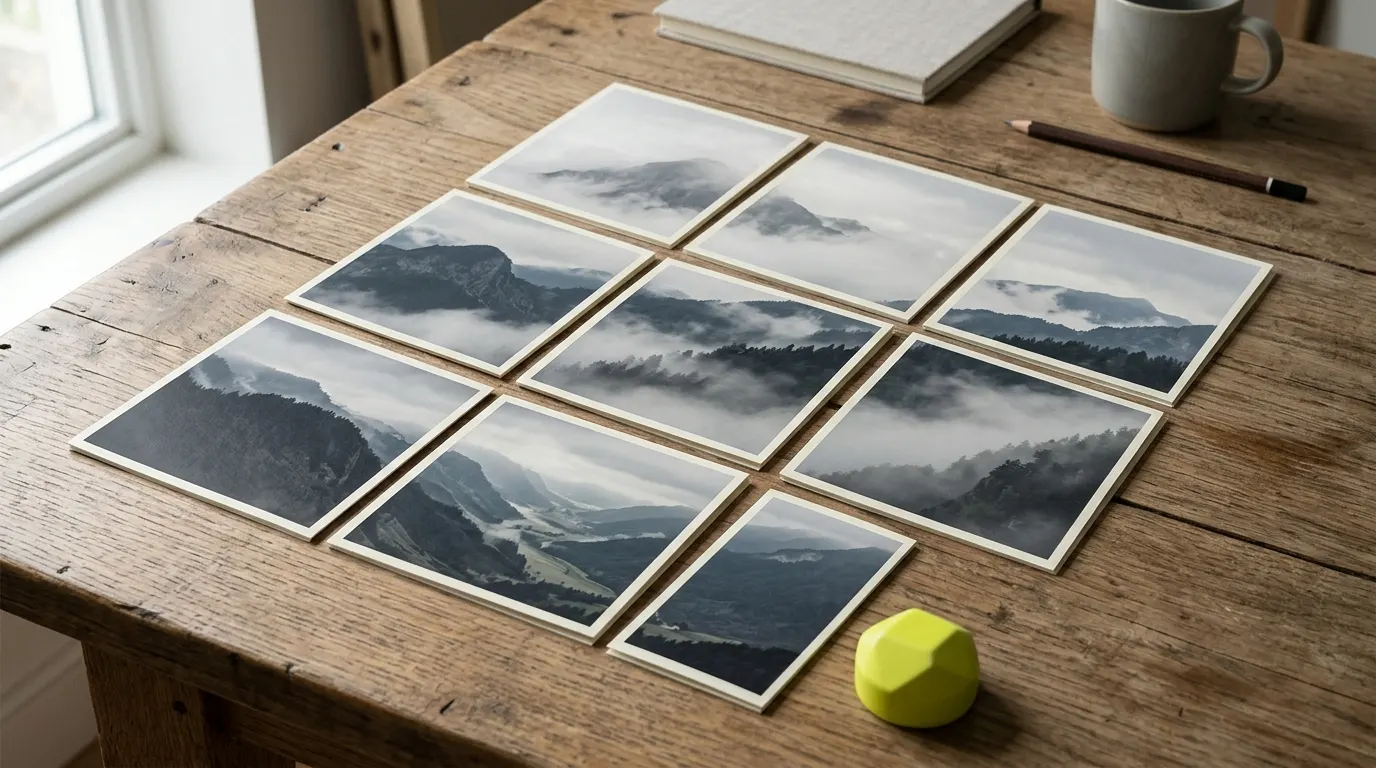
It's a tool that cuts one photo into several pieces, so that posted side by side they rebuild the whole image on your profile. This one is a browser tool from Clautia, the agentic social media manager.
What is a carousel splitter?
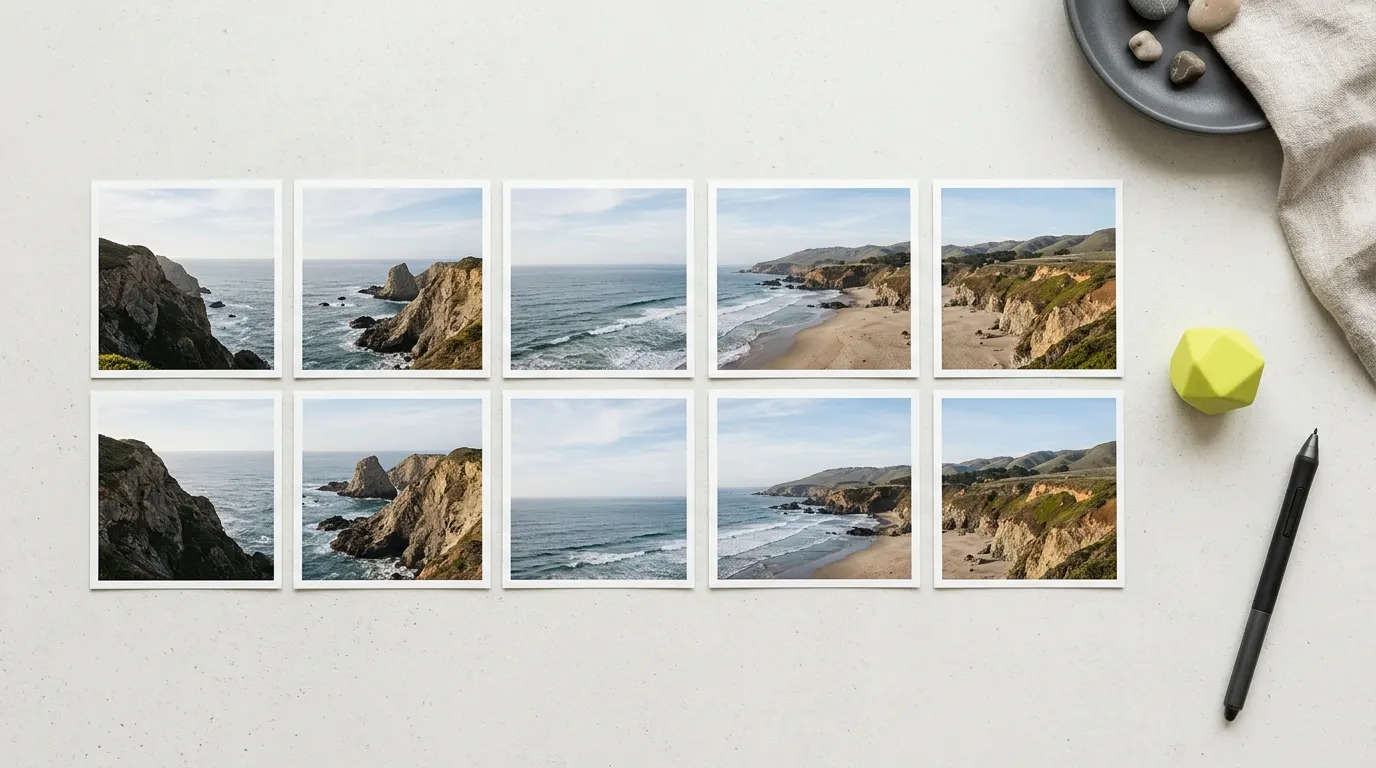
It's the same idea in a single row. The photo is cut into 2 to 10 square slices, which you post as one carousel so the image continues as people swipe. In this tool, pick Panoramic carousel and choose how many pieces you want.
Which layouts can I make?
A profile grid of 3 by 1 (3 pieces), 3 by 2 (6 pieces) or 3 by 3 (9 pieces), and a panoramic carousel of 2 to 10 pieces. Profile grid pieces are 3:4 (vertical) and download at up to 1080 by 1440 px. Carousel pieces are square.
What happens if my photo isn't the right shape?
The tool crops from the center so the photo fits the layout you chose, and then splits it. Because profile pieces are 3:4, a 3 by 3 grid needs a vertical 3:4 photo, a 3 by 2 grid an almost square one and a 3 by 1 grid a wide strip. The preview shows what you'll get before you download.
Do the pieces lose quality?
They're cut from your original pixels and saved as lossless PNG files. A small photo makes small pieces, though, and the tool tells you if the image is too small. For a profile grid, the photo needs at least 1080 px of width after the crop.
Is my photo uploaded to a server?
No. The photo is read and split in your browser, and nothing is sent anywhere.
More tools
- Browser toolImage resizer for social media: crop to the size you needCrop and resize a photo to YouTube, Instagram, Facebook and LinkedIn sizes, each with its official source. The image stays in your browser.Open the tool
- Browser toolPost preview for Instagram, LinkedIn and XPaste a post and see an approximate preview for Instagram, LinkedIn and X, with the Instagram 'more' cutoff at 125 characters. Runs in your browser.Open the tool
- Browser toolFancy text generator for social media: bold, italic and cursive fontsFancy text generator for social media: copy bold, italic, cursive and other Unicode styles for any bio or post. Runs in your browser; no uploads.Open the tool