How to Post to Multiple Social Media at Once
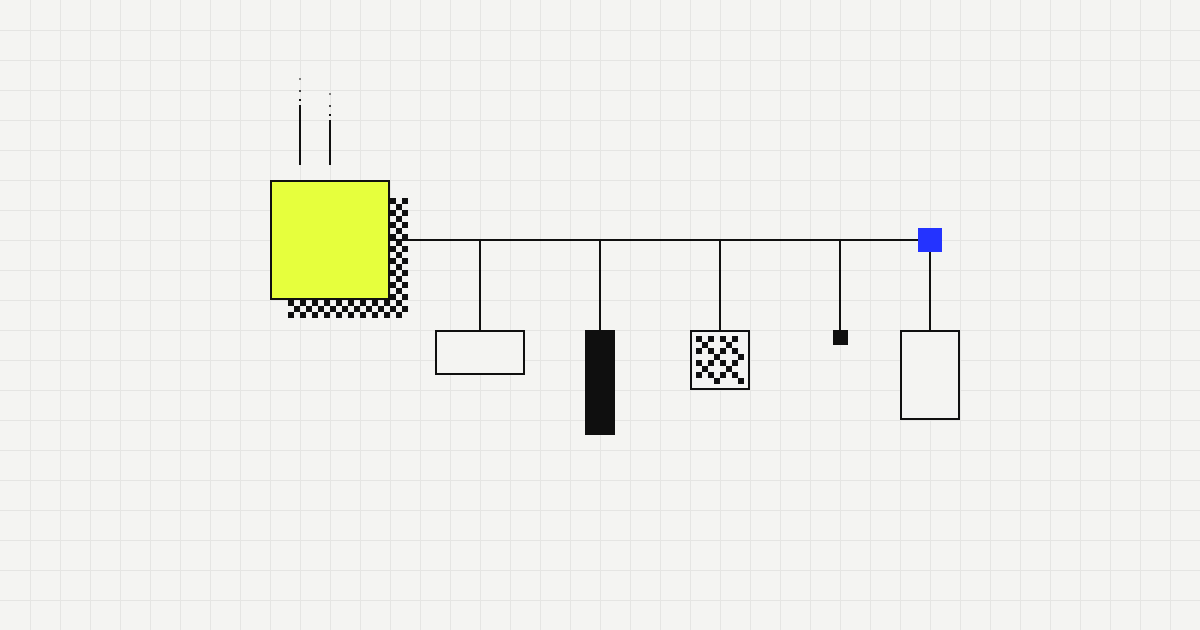
One idea, a text adapted to each network and a preview in one calendar: that is how to post to multiple social media at once without pasting the same text.
 By John GuerreroUpdated November 9, 2026
In this article
Frequently asked questions
Can I post to Instagram and Facebook at the same time?
Yes. Some apps let you share an Instagram post to a linked Facebook page, and a scheduler lets you pick both accounts in one post. Either way, check the preview for each network, because a caption and a crop that suit one can look off on the other.
Is cross-posting the same text everywhere a bad idea?
Usually. Each network has its own length, tone and habits, and a text pasted unchanged tends to feel out of place. Share the idea and the media, and adapt the text to each network.
How do I post to all social media at once with Clautia?
In the composer, choose the brand, select the connected accounts you want and write the post. You get a text and a preview per network, and you schedule or publish it from the same screen. Clautia connects 10 networks, including Google Business Profile.
Does the AI adapt the text for every network?
It adapts and drafts for eight of them: Instagram, Facebook, TikTok, X, LinkedIn, YouTube, Threads and Google Business Profile. It does not cover Bluesky or Telegram, where you write the text by hand.
Is there a limit when I post to X?
Yes. Clautia allows up to 20 posts per X account every 24 hours, and that limit comes from the publishing provider, not from X. Spread your X posts through the day and keep that cap in mind when you post to several networks.
Should all networks get the post at the same minute?
Not necessarily. The same minute is convenient, but your audience may be active at different hours on each network. Start with one time, then stagger the slots and compare the results.
Related articles
- Schedule and planSocial Media Posting Schedule: Weekly by NetworkBuild a social media posting schedule: a weekly table for Instagram, Facebook, LinkedIn, TikTok and X, a sample week and how to adjust it.Read the article
- Schedule and planBest Time to Post on Social Media, by NetworkThere is no single best time to post on social media. See what drives reach on each network, where to read your audience's hours and how to test your own.Read the article
- Schedule and planSocial Media Content Calendar Template (Copy It)One row per post, columns for what, where, when and why: copy this social media content calendar template, weekly and monthly, with a filled example.Read the article
Put it into practice
- Features and networksA social media scheduler for your 10 networks, including Google Business ProfileSchedule posts to 10 networks (Google Business Profile included) from one calendar, with AI, unlimited brands, team roles, MCP and API.Read the guide
- Features and networksAI social media post generator that writes for each networkDraft, adapt and rewrite social media posts and captions with AI inside Clautia. Credits per plan; posts stay drafts until you schedule them.Read the guide
- Features and networksFacebook post scheduler for the community you serveSchedule Facebook posts for your business, draft with AI and preview each one. Keep your local community informed without being online all day.Read the guide
- Features and networksInstagram scheduler to plan your posts a week aheadSchedule Instagram posts from one calendar. Draft captions with AI, preview each post and plan the week ahead. Drafts stay drafts until you schedule them.Read the guide